
Godot syntax themes
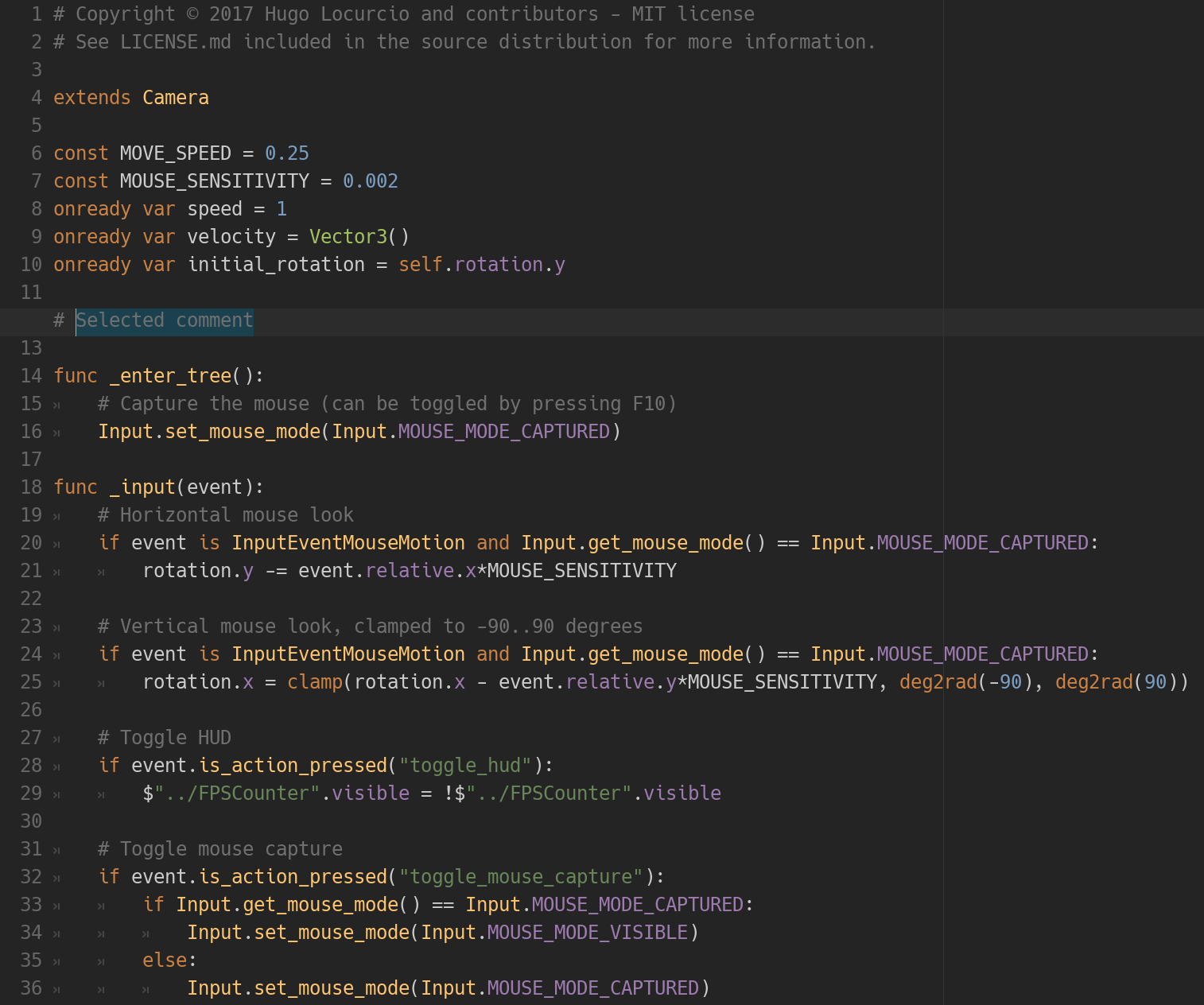
The Darcula theme in action.
This repository contains many syntax themes for Godot, for use in the built-in script editor.
These themes are compatible with the Godot 2.1 and Godot 3.0 series.
Available themes
- Atom Dark
- Darcula
- Gruvbox Dark
- Metro
- Monokai
- One Dark
- Solarized Dark
Installation
Place the .tet files in your Godot text editor theme directory:
- On Linux:
~/.config/godot/text_editor_themes/ - On macOS:
~/Library/Application Support/Godot/ - On Windows:
%APPDATA%\Godot\text_editor_themes\
To change the theme:
-
In Godot 2.1: Open a project in Godot, then click on the upper-right Settings → Editor Settings → Text Editor. You should now be able to choose the desired theme.
-
In Godot 3.0: Open a project in Godot, then click on Editor in the top menu, then go to the Editor Settings then Text Editor. You should now be able to choose the desired theme.
Tip: You can clone this Git repository directly into the text editor themes path (if the destination folder does not exist) using the following command:
# On Linux
git clone https://github.com/Calinou/godot-syntax-themes.git "~/.config/godot/text_editor_themes"

# On macOS
git clone https://github.com/Calinou/godot-syntax-themes.git "~/Library/Application Support/Godot/text_editor_themes"

# On Windows
git clone https://github.com/Calinou/godot-syntax-themes.git "%APPDATA%\Godot\text_editor_themes"
License
Copyright © 2016-2018 Hugo Locurcio and contributors
Files in this repository are licensed under CC0 1.0 Universal, see LICENSE.md for more information.